The digital decorator: how one reused password unlocks the whole company
A password that is also used outside the office hands whoever steals it your email, remote access and ERP system. How credential stuffing works, how to tell if your credentials are already circulating and which measures stop it.
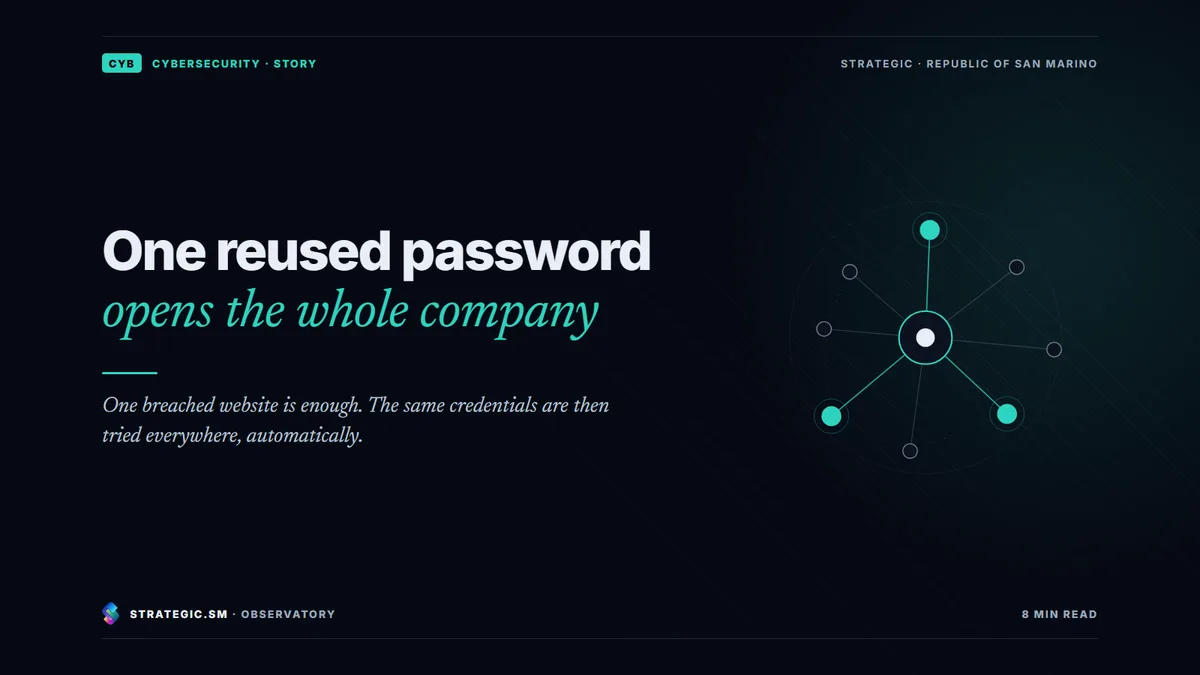
A reused password, meaning one used both for an outside service and for a work login, becomes dangerous the day that outside service is breached. Stolen email and password pairs are tried automatically on email, remote access and cloud applications, and wherever the password is the same, the door opens. The technique is called credential stuffing. In a company, three measures stop it when they work together. Every service gets its own password, kept in a company password manager. The logins that matter are protected by a second authentication factor. And credentials that have already appeared in a breach are checked and blocked.
The decorator’s keys
To have a flat repainted, you leave a spare set of keys with the decorator. For convenience, the owner has had the same lock fitted everywhere, so a single key opens the flat, the cellar, the garage and the ground-floor office. One afternoon the decorator’s van is broken into and the keys disappear, with the address tag still attached. Whoever finds them has no lock to pick. They simply try the key in every door in the building until one opens.
In the digital world the van is any website at all: a supplier’s portal, a booking app, a forum you used years ago. The tag is the work email address used to sign up. And the doors are not tried by a person but by a program that knocks on hundreds of services in a short time.
A typical scenario. A purchasing manager signs up to a supplier’s portal with a work email address and the same password as the company mailbox. Months later the portal is breached and its user list starts circulating. A program tries that pair on the company’s webmail, its VPN and its cloud ERP system. The mailbox opens. No alarm goes off, because the login uses the correct credentials.
What is credential stuffing?
Credential stuffing is the automated attempt to log in to a service with username and password pairs stolen from another service. OWASP, the international community that publishes reference guides on web application security, distinguishes it from “brute force” attacks. Nothing is guessed here. Real credentials are reused, collected from earlier breaches and passed around online.
A close variant is password spraying. One weak password, for example the company name followed by the year, is tried on many different accounts. Both techniques work for the same reason. People repeat the same choices, and attackers know it.
Why does the damage multiply in a company?
A compromised personal account is one person’s problem. A compromised work account is a way in for many, for four reasons.
- Email is the key to all the other keys. Almost every service lets you reset a password with a link sent by email. Whoever controls the mailbox can take over the other accounts too.
- Remote access leads into the network. A VPN or remote desktop protected only by a password turns a reused credential into a presence inside internal systems.
- Cloud applications answer from anywhere. ERP, CRM and document archives accept anyone with the right credentials, from any country.
- AI assistants widen what an account can read. If an assistant connected to email and documents answers whoever logs in with those credentials, the attacker inherits its searches as well. That is why an assistant’s permissions are designed like those of any other system. It is the subject of our page on AI security and governance.
There is also a flip side. If the company runs a customer portal or an online shop, its customers’ reused passwords become its problem. The same programs will try lists stolen elsewhere on its portal.
Which measures really stop reused passwords?
No single measure is enough. Together, they make a stolen password far less useful to whoever holds it.
| Measure | What it achieves | Where to start |
|---|---|---|
| Company password manager | A long, different password for every service, with nothing to remember | Management, administration and IT, then everyone else |
| Second authentication factor | A password alone is no longer enough to log in | Email, remote access, administrator accounts |
| Phishing-resistant second factor (security keys, passkeys) | A fake page cannot trick anyone into handing over the code | System administrators and the most exposed accounts |
| Compromised password checks | Passwords that have already appeared in a breach are rejected | Whenever a password is created or changed |
| Limits on login attempts and alerts on unusual logins | Automated attempts slow down and become visible | Webmail, VPN, exposed portals |
| Single sign-on | Fewer passwords to manage and a single entrance to protect well | The most-used cloud applications |
Two pieces of advice, often counter-intuitive, come from the guidelines of NIST, the US standards body, updated in July 2025. First, new passwords are checked against lists of known or already compromised passwords. Second, periodic changes are not imposed. A change is required when there is evidence of compromise. Forcing a change every ninety days, in fact, produces predictable passwords: “Spring1”, then “Spring2”, and so on.
On the second factor, CISA, the US cybersecurity agency, draws a useful distinction. SMS codes and push notifications approved on a phone are much better than a password alone. But an attacker can trick someone into handing them over, or bombard a person with requests until they approve one. Security keys and passkeys based on the FIDO standards resist these tricks, because they only work on the genuine site. For companies covered by NIS2, the EU directive on network and information security, multi-factor authentication also appears among the basic measures set out by Italy’s National Cybersecurity Agency (Agenzia per la Cybersicurezza Nazionale, ACN).
Anyone who runs a customer portal has an extra task. Passwords must be stored with suitable cryptographic functions, as required by the guidelines published by ACN and the Italian Data Protection Authority (Garante) at the end of 2023. Customers should be offered a second factor too.
How can you tell if company credentials are already circulating?
You check, before someone else does. Public breach notification services such as Have I Been Pwned let anyone who proves they manage a domain find out which company addresses appear in known breaches. Many identity management platforms also flag risky logins and leaked credentials, depending on the licence.
In the login logs, IT can look for specific warning signs:
- Successful logins from countries or networks where the company does not operate.
- Many failed attempts on different accounts within the same time window.
- Second-factor requests that the person did not start.
- Recently created rules that forward email to outside addresses.
What should you do if a password has already turned up in a breach?
The order matters.
- Change the password everywhere it was reused, starting with email, remote access and privileged accounts, from a clean device.
- Close open sessions and remove any linked devices you don’t recognise.
- Check the mailbox for forwarding rules, delegated access and sent messages the person does not remember.
- Turn on the second factor wherever it was missing.
- Read the login logs to find out whether someone got in and what they saw.
- Assess your obligations. If personal data of customers or employees has been exposed, the data controller assesses whether to notify the supervisory authority, where feasible within 72 hours of discovery. In Italy that authority is the Garante. In San Marino it is the San Marino Data Protection Authority established by Law 171/2018. Companies covered by NIS2 also assess whether to notify CSIRT Italia, Italy’s national computer security incident response team. The rules for the first hours are summarised on the page of our Cybersecurity division.
In brief
- A password used on several services is only as safe as the weakest of them.
- Credential stuffing automatically tries credentials stolen elsewhere. Nothing needs to be guessed.
- In a company the damage multiplies, because email resets the other passwords and remote access leads into the network.
- Password managers, second factors and compromised password checks work together, not instead of one another.
- Mandatory periodic changes do not help. A password is changed when there is evidence of compromise.
- If a credential has leaked, change it, close the sessions, check the mailbox, read the logs and assess whether to notify.
Frequently asked questions
Doesn’t a password manager become a single point of failure?
It is a risk to manage, not a reason to go without one. With a long master password, the second factor turned on, a carefully chosen provider and a procedure for people who leave the company, a password manager protects far better than dozens of similar passwords repeated from memory or jotted down on a sheet of paper.
Will passkeys replace passwords?
For many services they already have. A passkey stays on the device and cannot be handed over to a fake page. Not every business system supports passkeys, so it makes sense to start with email, administrator accounts and the most-used cloud applications, and to move forward step by step.
How often should company passwords be changed?
The NIST guidelines advise against forcing periodic changes and recommend requiring a change when there is evidence of compromise. What matters more is that every password is long, unique and checked against lists of passwords already known to attackers.
Is a long, complex password safe even if it is reused?
No. Length protects against guessing, not against reuse. If another service leaks it, even the most complex password is tried exactly as it is, and it works.
Finding out which logins are exposed, where the second factor is missing and which habits need to change is the starting point for the reviews carried out by our Cybersecurity division. The division also runs training and simulations for staff and senior management, so that the rule “one password, one service” becomes a habit rather than a reminder.
Sources
Consulted on 16 September 2026.
- OWASP, Credential Stuffing Prevention Cheat Sheet
- NIST, SP 800-63B-4, Digital Identity Guidelines: Authentication and Authenticator Management, July 2025
- CISA, Implementing Phishing-Resistant MFA, October 2022
- Italy’s National Cybersecurity Agency (ACN), NIS frequently asked questions – Basic measures and notifications (in Italian)
- Italian Data Protection Authority (Garante), decision of 7 December 2023 on the ACN guidelines “Funzioni crittografiche – Conservazione delle password” (cryptographic functions for storing passwords, in Italian)
- Regulation (EU) 2016/679 (GDPR), Article 33, EUR-Lex
- Great and General Council of San Marino (Consiglio Grande e Generale), Law 171 of 21 December 2018, Article 34 (in Italian)
- Have I Been Pwned, check for exposed credentials
 Find out moreCybersecurityTesting carried out the way an attacker would (penetration tests), incident management, business continuity and support in meeting NIS2 requirements, suppliers included.